
Articles ·
How Much Does a Museum Audio Guide Cost in 2026?
How much a museum audio guide costs: a branded app, a browser guide from EUR 0 or devices at the desk. Prices, extra costs and examples.
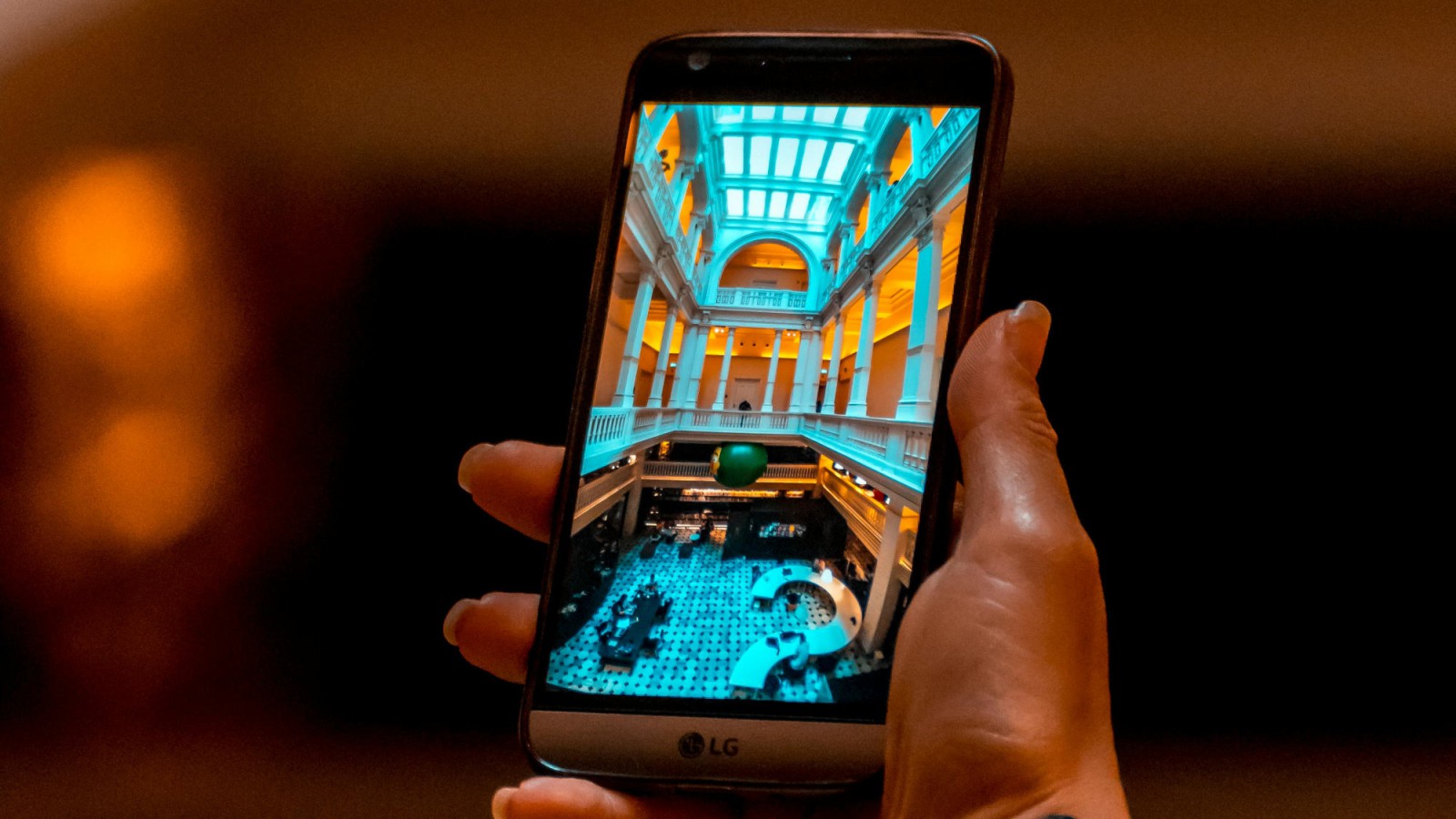
The question “how much does an audio guide cost” has no single answer, because the name covers three different solutions: a mobile app under the institution's own brand, a guide that opens in the phone browser, and classic devices handed out at the ticket desk. Each is priced differently, and each makes sense in a different situation. Below we explain what our solutions cost, what drives the price and which costs are worth asking about before comparing offers.
All prices are net.
A dedicated app under the institution's brand
Your own app in the App Store and Google Play, with the museum's name, logo and visual identity. For the visitor, it is the app of that particular institution – not one entry among many in someone else's catalogue.
What it offers:
- a permanent place for the museum on the visitor's phone, including between visits,
- notifications about events, new exhibitions and changes to opening hours,
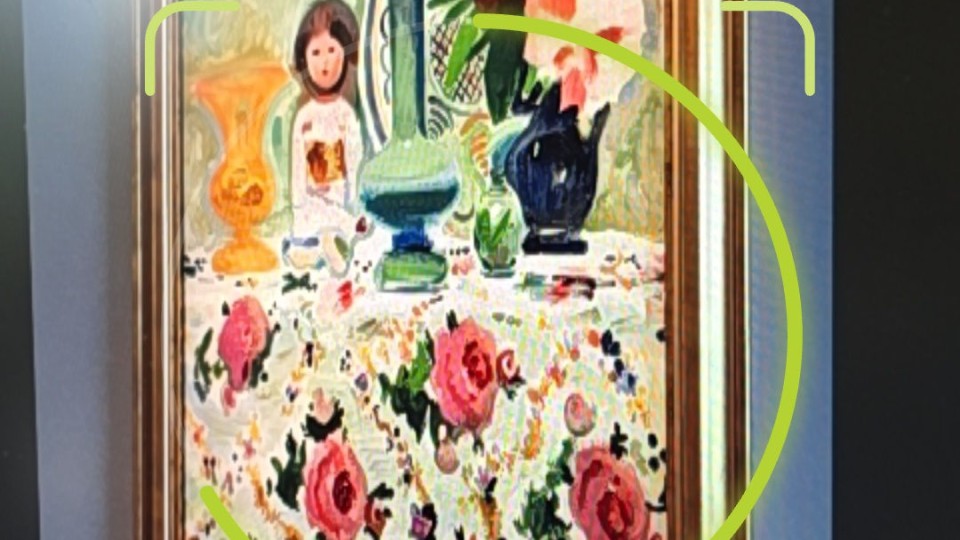
- camera-based exhibit recognition, with no QR codes beside the objects,
- integrations with ticketing and booking systems,
- many exhibitions, routes and branches in a single app,
- offline use, QR codes, multiple languages, a high-contrast mode and transcripts,
- content managed by the museum itself in the CMS.
We handle publishing in both stores, upkeep and updates, and one project lead looks after the project from start to finish.
What it costs: we quote every app after talking through the institution's needs. As a rough guide, the cost consists of a one-off app production fee (from about EUR 9,000 to EUR 46,000) and an annual licence with ongoing care (from about EUR 4,500 to EUR 14,000). Where a specific project falls within these ranges depends on:
- the scope of features – from a base app to features designed from scratch,
- the number of exhibitions, routes and branches,
- integrations with ticketing, booking or CRM systems,
- the number of languages and the type of content – audio, video, sign language.
When it makes sense: museums whose visitors return, institutions with many exhibitions and branches, museums building a recognisable digital brand.
A guide in the browser
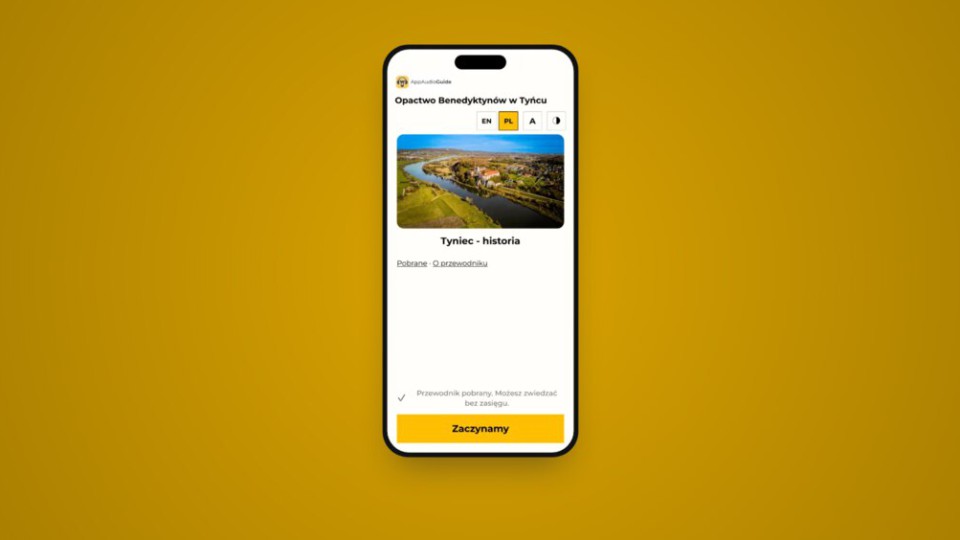
The guide runs in the phone browser, with no app to install. The visitor scans a QR code at the exhibit and immediately sees the description or hears the recording. The venue builds it itself in the panel – with no developer and no implementation contract.
- A small guide in the browser – free of charge. One exhibition, up to 10 stops, one language, audio recordings, a map, QR codes, offline mode and WCAG 2.1 AA compliance.
- A guide in the browser – EUR 690 per year, or EUR 139 per month for a temporary exhibition. One exhibition with unlimited stops and languages, recordings, video, sign-language video, audio description and playback statistics.
- Presence in the AppAudioGuide app – EUR 690 per year, as an add-on to the Guide plan. The same content also goes into the AppAudioGuide app in the App Store and Google Play.
When it makes sense: a temporary exhibition, a small or mid-sized venue, an open-air museum, a church, a trail, visitors who come once. It also works as a first step before a dedicated app – content prepared in the panel moves across without being rewritten.
Devices handed out at the ticket desk
Classic players with headphones still have their place – for example where some visitors do not use smartphones. When comparing offers, remember that on top of the purchase or lease price come costs on the museum's side: charging and cleaning the devices, replacing headphones and batteries, handling loans at the ticket desk and replacing lost or damaged units. These items rarely appear in a supplier's offer, yet they matter a great deal when budgeting over several years.
Devices do not rule out an app or a phone guide – the solutions can run side by side.
Comparison
| Dedicated app | Guide in the browser | Devices at the ticket desk | |
|---|---|---|---|
| Start-up cost | production: roughly EUR 9,000–46,000 | EUR 0 | purchase or lease as quoted by the supplier |
| Annual cost | licence with care: roughly EUR 4,500–14,000 | EUR 0 or EUR 690 | servicing, desk handling, replacements |
| Brand | your own, in the App Store and Google Play | your own address and colours | depends on the supplier |
| Installation by the visitor | from the App Store or Google Play | none needed | none needed, the desk hands out the device |
| Notifications and returning visitors | yes | no | no |
| Camera-based exhibit recognition | yes | no, QR codes | no |
| Who prepares it | we build and run it | the venue itself, in the panel | the supplier and the venue |
| Works best for | large and mid-sized museums, many exhibitions and branches, returning visitors | temporary exhibitions, small venues, trails | visitors without smartphones |
Costs worth asking about
Recordings
The platform is only a vessel for the content. Recordings can be prepared in three ways: recorded in-house, read by a synthetic voice, or commissioned. We can produce them from your texts – the quote depends on the number of stops and languages. A guide in the browser can also launch on descriptions alone, with recordings added later.
We explain how to prepare texts and recordings yourself in our guide How to Create a Museum Audio Guide.
Translations
In the guide-in-the-browser panel, translating descriptions into further languages is supported by artificial intelligence at no extra charge. Before publication, however, each language version should be checked by someone who knows the language – especially proper names and terminology.
Entering the content
If your venue is short of time, we will enter the content of a guide in the browser into the panel for a one-off fee of EUR 229. Just send the descriptions, photographs and recordings.
Content changes
Exhibitions change and descriptions need corrections. It is worth asking the supplier who makes the changes and whether each one is a separate order. In our solutions – both the dedicated app and the guide in the browser – the content is managed by the institution itself in the panel.
Examples of our deployments
Silesian Museum in Katowice – a dedicated app
The Silesian Museum chose its own mobile app, available in the App Store and Google Play. It covers four languages (Polish, English, German and Ukrainian), QR codes at the exhibits, offline use, a high-contrast mode and transcripts, and the museum manages the content itself in the CMS. From signing the contract to publication in the stores, the deployment took about 10 weeks. For an institution with a strong identity and international ambitions, a separate app strengthens brand recognition and gives full control over the visitor experience. See the app.
National Museum in Gdańsk – a dedicated app for several branches
The MNG Audio Guide app brings the museum's branches together in one place. Since its launch, branches including the Department of Modern Art and the Green Gate have been added, together with temporary exhibitions. Visitors have a single museum app on their phone, and the institution extends it with new branches and exhibitions without releasing separate apps. More of our deployments.
Royal Castle in Warsaw – a guide in the browser
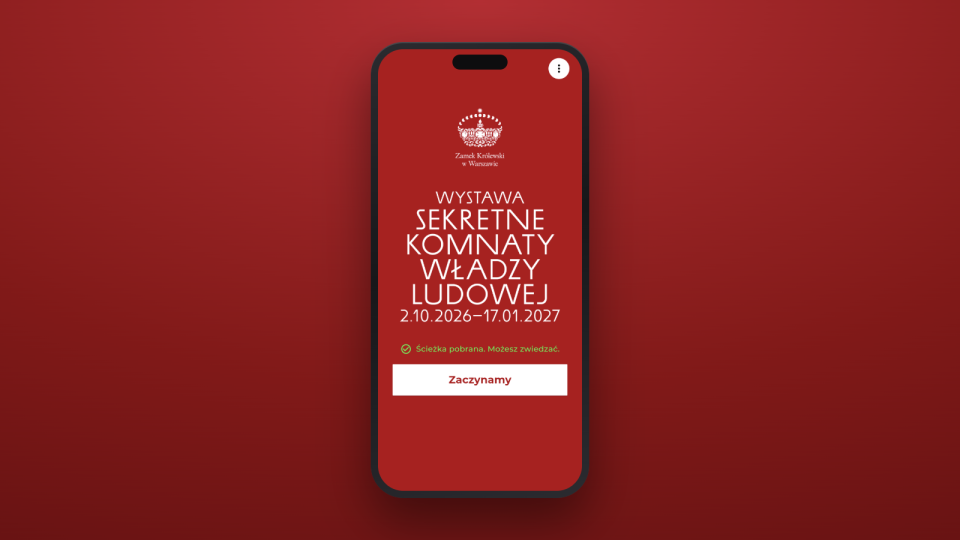
The temporary exhibition “Secret Chambers of People's Power” has a guide that opens in the phone browser: thirteen stops, Polish and English, QR codes at the exhibits and offline use. For a temporary exhibition, visitors do not need to install an app they will use once. Read about the deployment.
Funding
An audio guide often does not fit into a venue's day-to-day budget, but it can be part of an externally funded project. It is worth checking:
- national culture ministry programmes – in Poland, for example, the Minister of Culture's programmes in 2026 included “Kultura cyfrowa” (Digital Culture), “Kultura dostępna” (Accessible Culture), “Infrastruktura kultury” (Culture Infrastructure) and “Wspieranie działań muzealnych” (Support for Museum Activities); the rules, funding rate and eligible costs are set by each programme's regulations for the given year,
- EU regional programmes for 2021–2027 run by individual regions,
- local sources – municipal grants and partnerships with local businesses.
We help with the technical description of the solution for the application.
Sample budgets
A large institution – many exhibitions, branches, its own brand: a dedicated app quoted after a conversation, roughly from EUR 9,000 for production and from EUR 4,500 per year for the licence with care, plus recordings as quoted.
A mid-sized venue – a permanent exhibition in several languages: the Guide plan at EUR 690 per year, optionally presence in the AppAudioGuide app at EUR 690 per year and content entry at EUR 229 one-off, plus recordings as quoted.
A three-month temporary exhibition: the Guide plan for the duration of the exhibition – EUR 417 (3 × EUR 139), plus any recordings.
A small venue – a single room or a short trail: a guide in the browser on the free plan (up to 10 stops, one language) with recordings made in-house – EUR 0.
Summary
When comparing offers, it is worth asking three questions:
- What will the total cost be over three years – including the licence, recordings, translations and handling.
- What is not included in the price – recordings, translations, content changes, devices.
- Does the solution fit the scale of the venue – a short trail does not need a large deployment, and a large museum with many branches will quickly outgrow a simple tool.
Let's talk about an app for your institution | See the guide-in-the-browser plans
contact@appaudioguide.com | +48 668 826 248