An institution planning an audio guide usually faces the same question: does the visitor really have to install an app to listen to twenty minutes of narration. They do not.
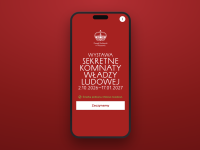
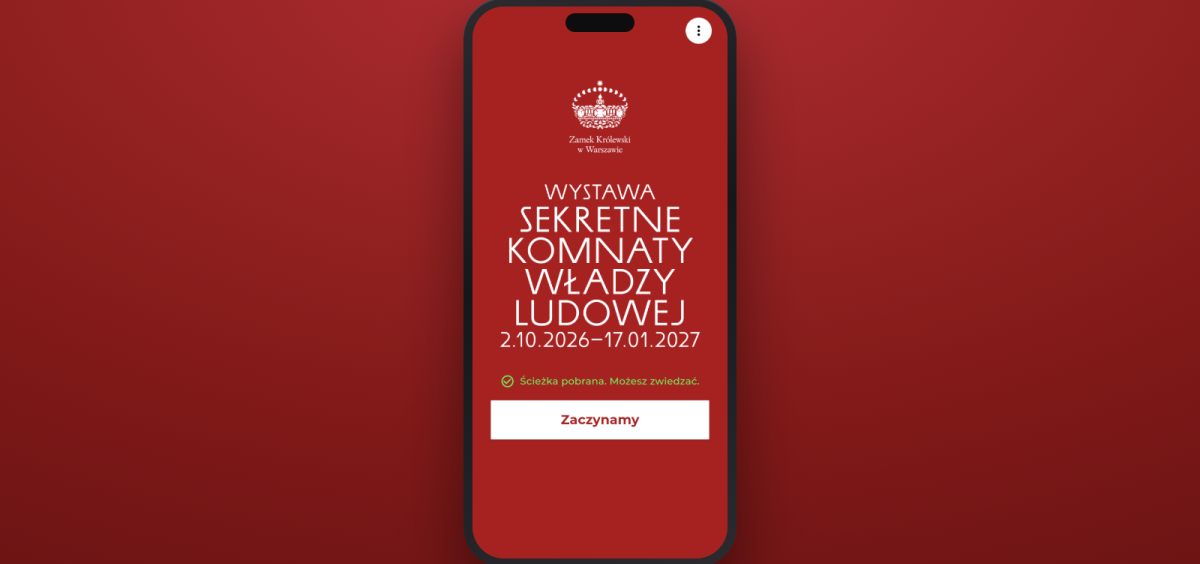
The audio guide for „The Secret Chambers of Poland's Communist Regime" at the Royal Castle in Warsaw opens in the phone's browser. Thirteen stops, Polish and English, QR codes at the exhibits, full offline operation. The exhibition runs from 2 October 2026 to 17 January 2027, and we built the guide together with a partner.
An audio guide with no app to download
This is a web application — it opens in the phone's browser and works immediately. No App Store, no Google Play, no account, and no tens of megabytes to download before the visitor sees the first screen.
For a temporary exhibition that matters twice over: the visitor comes once and has no reason to install an app they will use for ninety minutes, and the institution avoids store review and a release cycle for every small fix.
QR codes at the exhibits start the right recording
Plaques with QR codes hang next to the exhibition stops. Scanning one with the camera opens the guide directly on that recording — no scrolling through a list, no hunting for a number.
Each code is a web address carrying a parameter that identifies the stop. The app reads it on start-up, walks the visitor through language selection and the content download, then opens the right recording and waits for a single tap to play it.
The guide also has a built-in scanner, for visitors who already have it open, and a search by stop number — because a QR code is not accessible to blind visitors and needs an equivalent alternative.
An offline audio guide — working without a signal
Thick historic walls block reception, and exhibition halls rarely have coverage. So the guide downloads the whole tour on the welcome screen — recordings and images go into browser storage before the visitor walks into the exhibition. From there everything works offline, including playback and search.
The download starts on its own, without asking. The only moment a connection is needed is the first visit.
Museum audio guides and accessibility (WCAG)
This is a deployment for a public institution, so accessibility is not an add-on:
- high-contrast mode, one button away on every screen
- text scaling up to 180 % without breaking the layout
- full screen-reader support — button labels, state-change announcements, alternative descriptions for images
- entering the stop number as an equal path alongside scanning a code
- a transcript of every recording, for deaf visitors and for anyone who prefers to read
What's next: a guide you assemble without a developer
The same engine already powers several museums and outdoor trails. Each deployment differs in content, colours and the set of features enabled — the configuration comes from our CMS, and the visitor gets a guide tailored to that particular exhibition.
We are taking this one step further. Soon you will be able to assemble such a guide yourself, from a panel — without involving developers and without writing prompts into an AI model.
The plan is a form, not a conversation with a model. The panel is where the logo and exhibition artwork, the colours, the languages and the set of features — QR codes, a map, audio description, transcripts — are configured. The guide is built from the options selected and comes out the same every time, without guessing what the model understood and without waiting for another iteration.
Content and recordings are entered where they are today. Changing a colour or adding a language stops being a request to the supplier and becomes a setting.
We invite institutions planning an audio guide for their own exhibition to work with us.
Share: